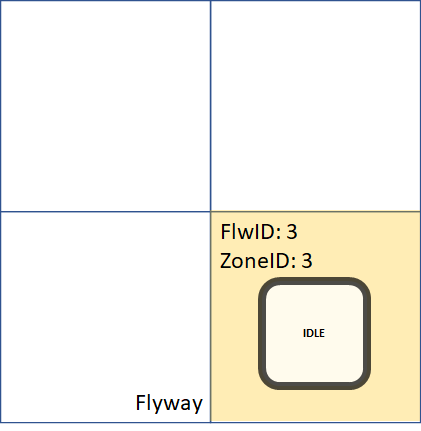
A loading zone can be used to load or unload XBots from Flyway.
See also: Loading Zone Boundary (Fence)
To unload an XBot that is currently on Flyway:
-
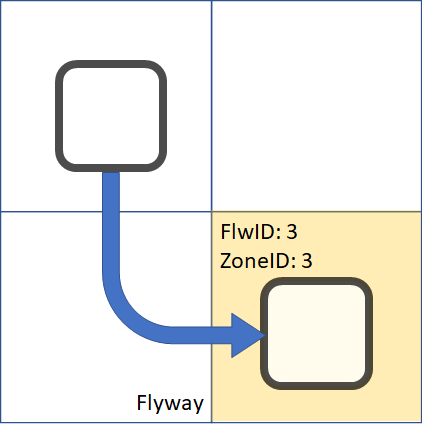
First drive the XBot to a zone that you would like to perform the unload action
-
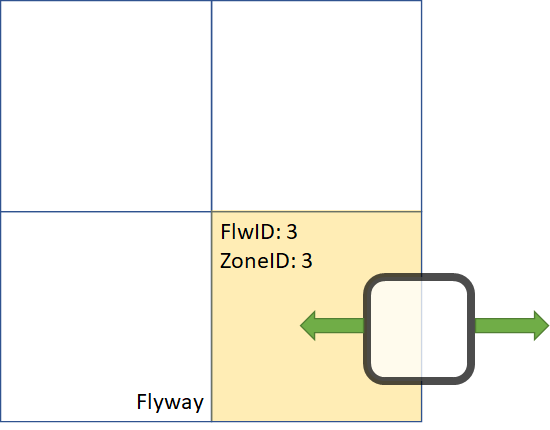
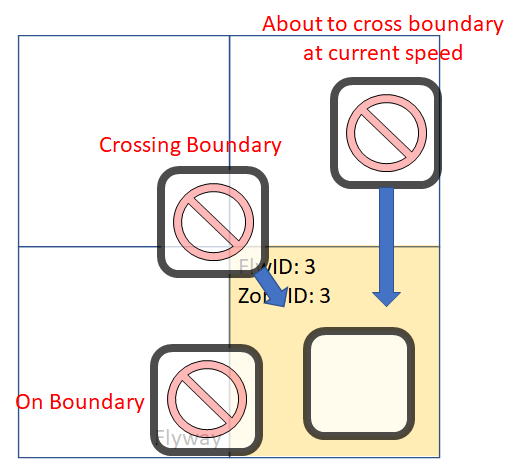
Use Zone Control to deactivate the zone, which will in turn deactivate XBots in the zone, note that if any XBot is on the boundary, is crossing the boundary, or about to cross the boundary at its current speed, the deactivation will fail, as shown below
-
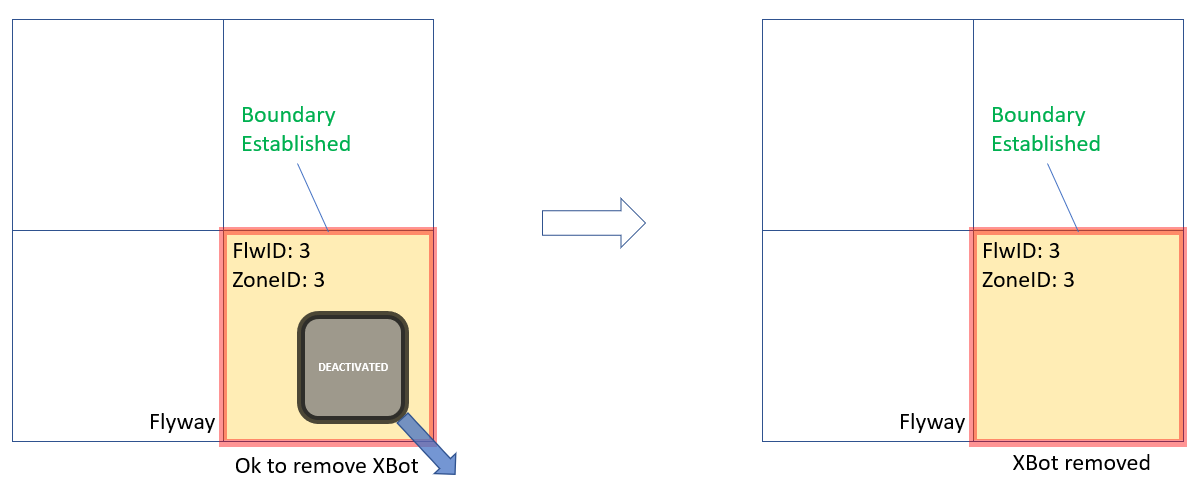
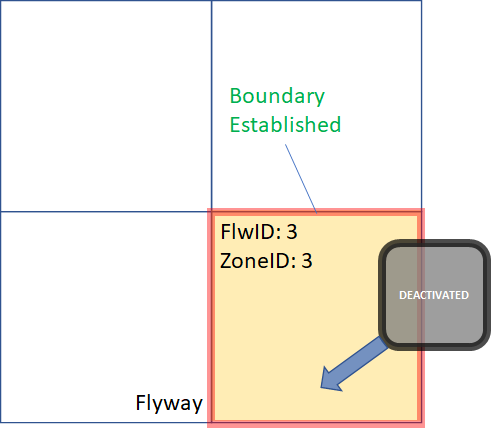
If deactivation succeed, a Loading Zone Boundary (Fence) will be established around the zone, and XBot will be deactivated, as shown below. You may now remove the XBot from the system
-
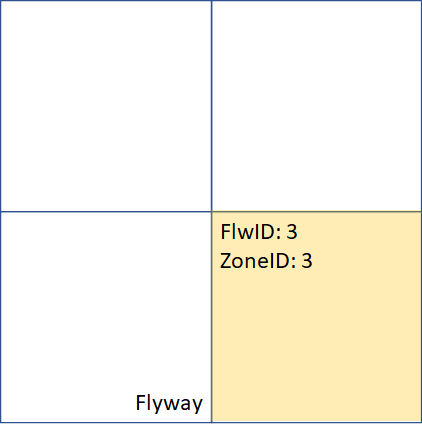
Once XBot is removed from the system, use Zone Control to activate the zone and use Fence Control to remove the boundary
To load an XBot to a running system:
-
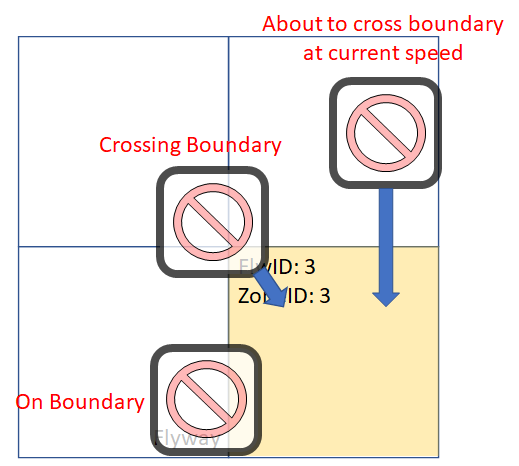
First use Zone Control to deactivate the zone you want to load XBot, note that if any XBot is on the boundary, is crossing the boundary, or about to cross the boundary at its current speed, the deactivation will fail, as shown below
-
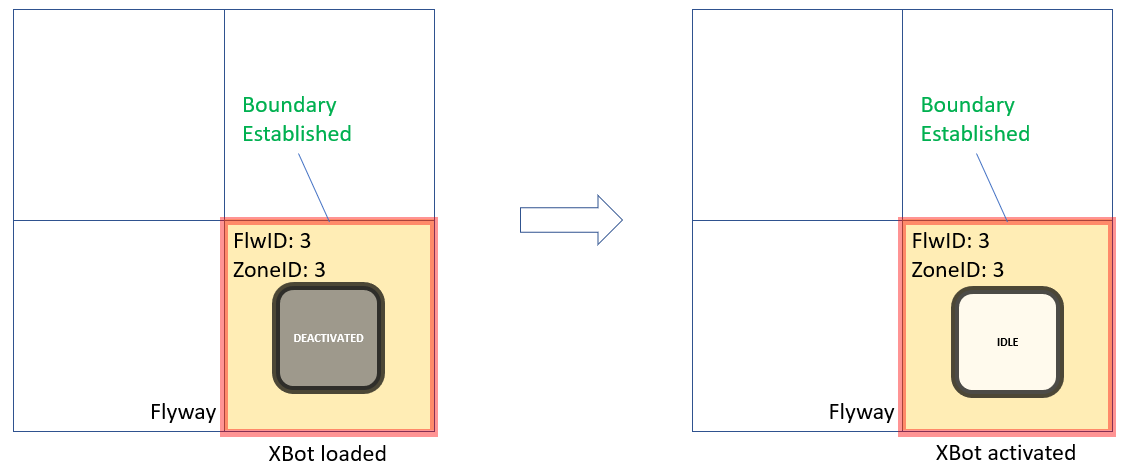
If deactivation succeed, a Loading Zone Boundary (Fence) will be established around the zone, as shown below. You may now add XBot to the Flyway
-
Once XBot is on the Flyway, use Zone Control to activate the XBot. Note that after activation, the boundary does not get removed automatically
-
Use Fence Control to remove the boundary; you can now use the Flyway normally